Track Conversions & Build Custom Audiences with Advanced Google Ads Tracking
Advertise to your target market on Google Ads that are bound to get you results.
Real Sales Data,
Straight to Google Ads
Add your Account ID and event labels once. Purchases reach Google Ads with their order value, and sign-ups become audiences you can retarget.

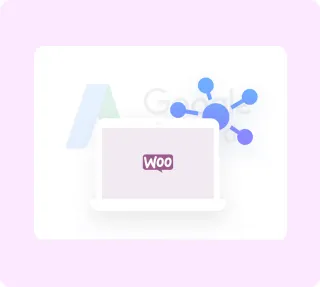
Easiest way possible to connect Your WC Store with AdWords
You just need to insert your Account ID, provide the labels for each event, and start tracking. Yes, it’s that simple
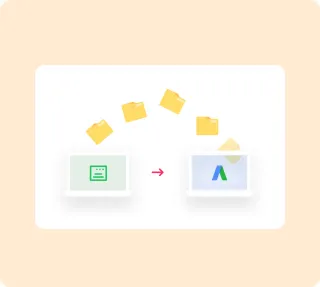
Send Purchase Data to Google Ads
Everytime a customer purchases something from your WooCommerce store a purchase event will be sent to Google AdWords platform so that you can retarget them anytime.
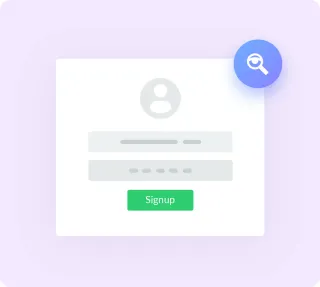
Track Who Signs Up On Your Store To Retarget them
Those who take time to create a profile on your store are only a few steps away of becoming your customers. Remarket to them later on so they would know what they are missing

Start Tracking. Connect Every Platform You Run Ads On
Send real conversion events from your WooCommerce store to every ad platform you run - without touching a line of code or hiring a developer.