


Drive WooCommerce
Conversions Efficiently
StoreGrowth is a WooCommerce plugin with 10 sales tools for upsells, urgency, carts and checkout. Start free and turn on only what you need.
- Free version on WordPress.org
- 5.0 rating on WordPress.org
- 2,000+ active installs
- Built by weDevs
StoreGrowth in 2 Minutes!
Give us a few minutes to see why StoreGrowth is not an option but an absolute necessity.
The Smartest Way to Grow Your WooCommerce Business
Our tools solve the frustrating, niche challenges that stand between you and serious growth.
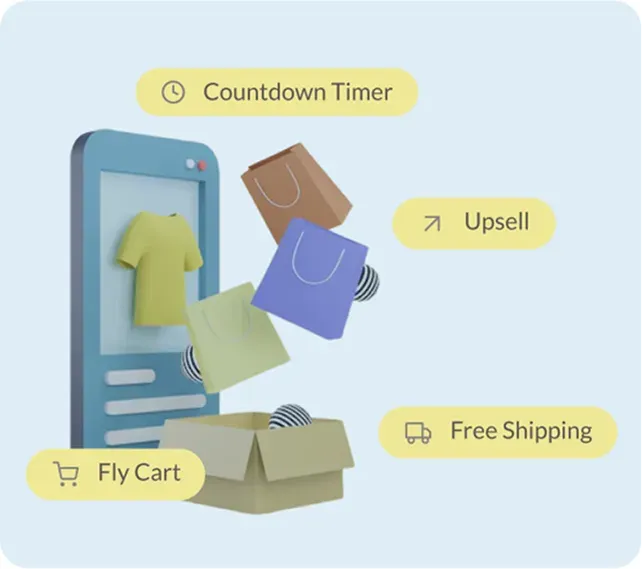
Develop a Strategy for
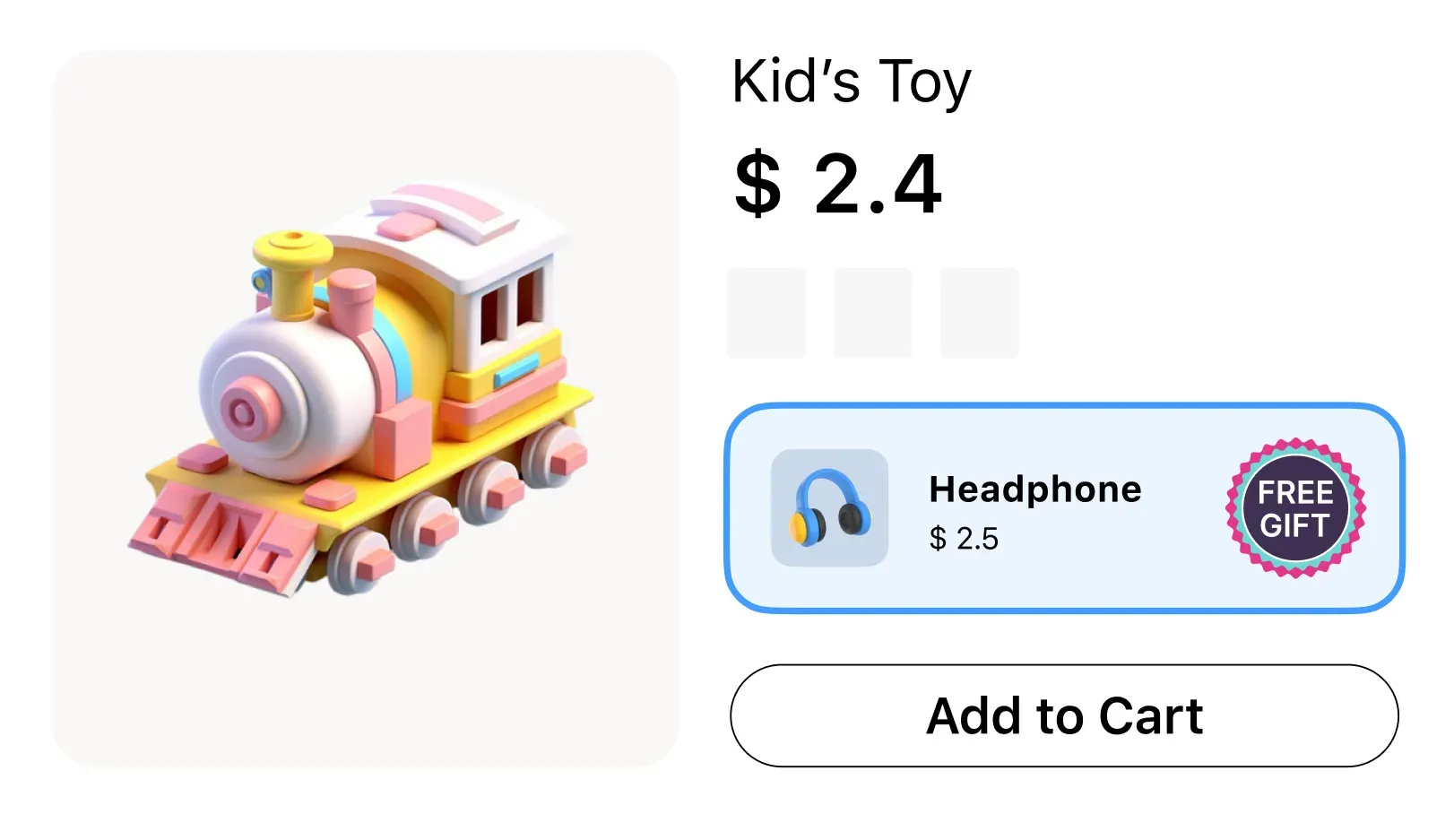
Promoting Your ProductPick the offers that suit what you sell, such as an order bump at checkout, a BOGO gift or a free shipping goal, and switch on only those modules.
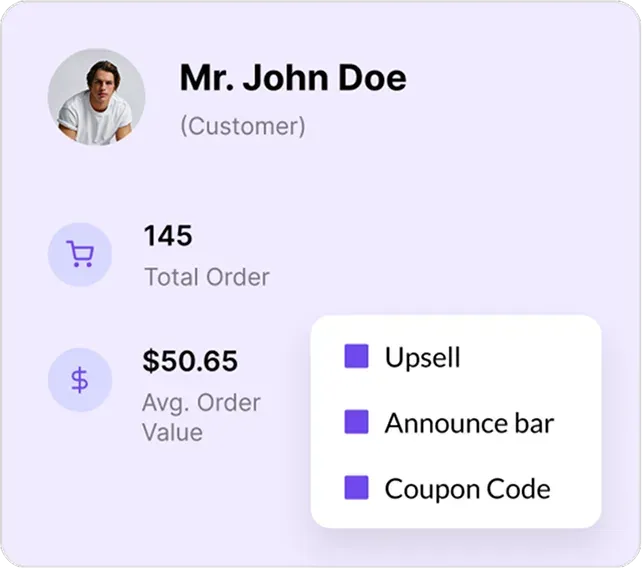
Set Up Triggers for Targeted Conversions
Tie each offer to the products you choose, so the right deal shows up on the product page, in the cart or at checkout.
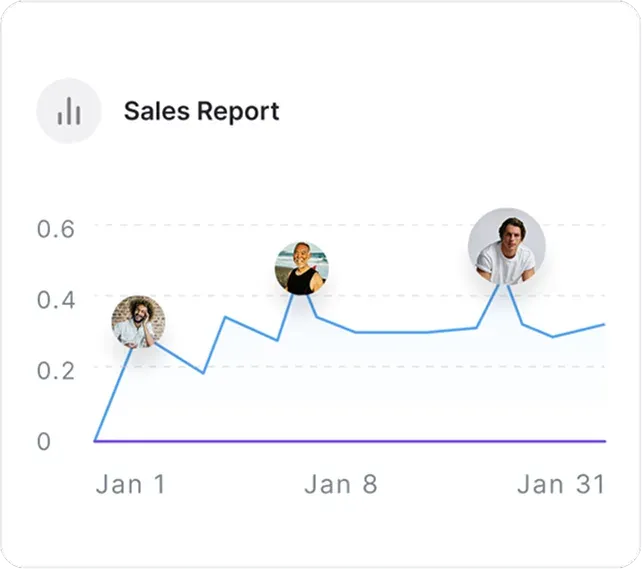
Convert More Customers & Increase Sales
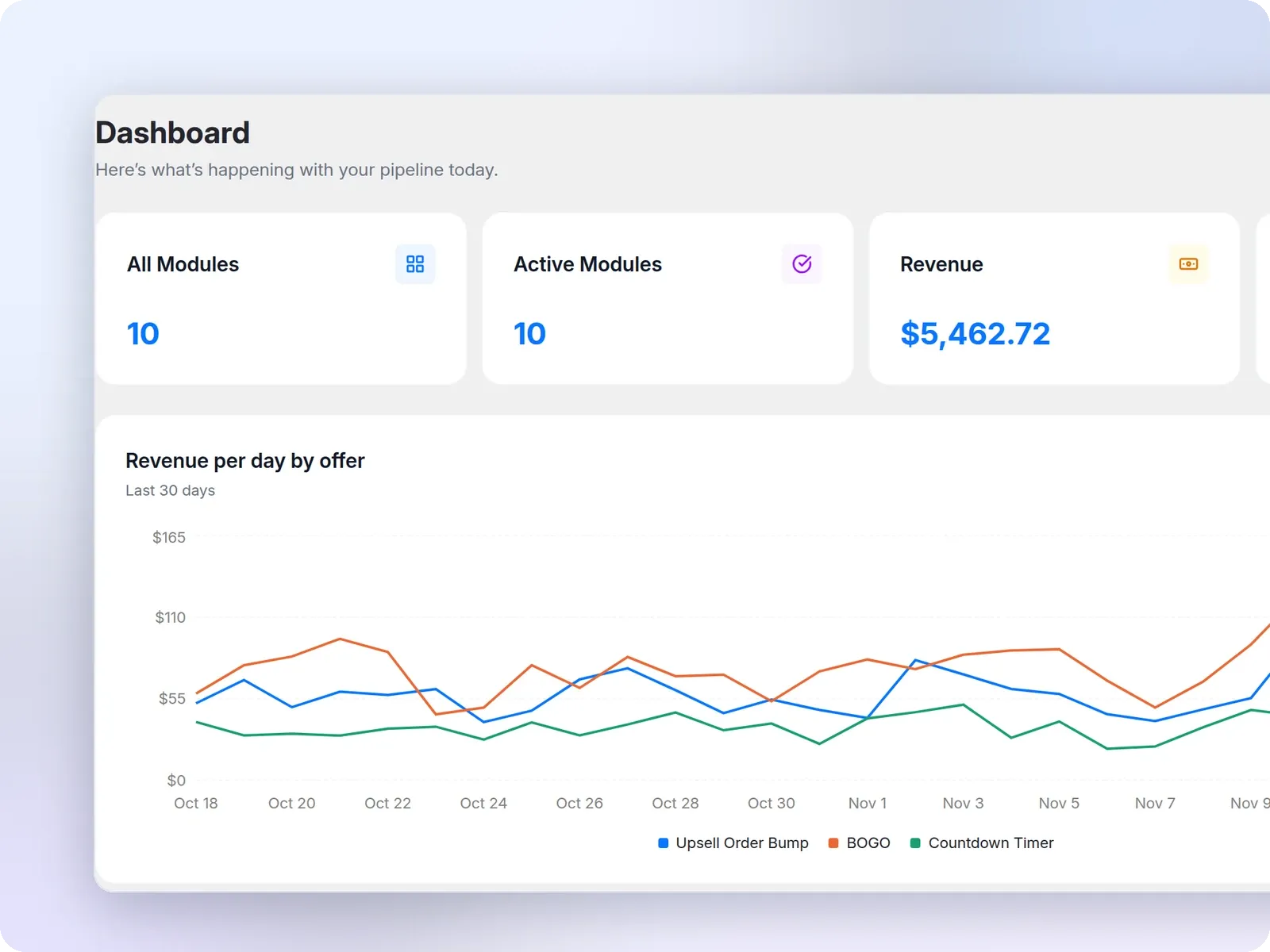
Then open the StoreGrowth Dashboard to see the revenue and discounts your offers brought in over the last 30 days.
Features You’ve Always Wanted
Advanced sales booster modules for your WooCommerce store
Streamline Buying
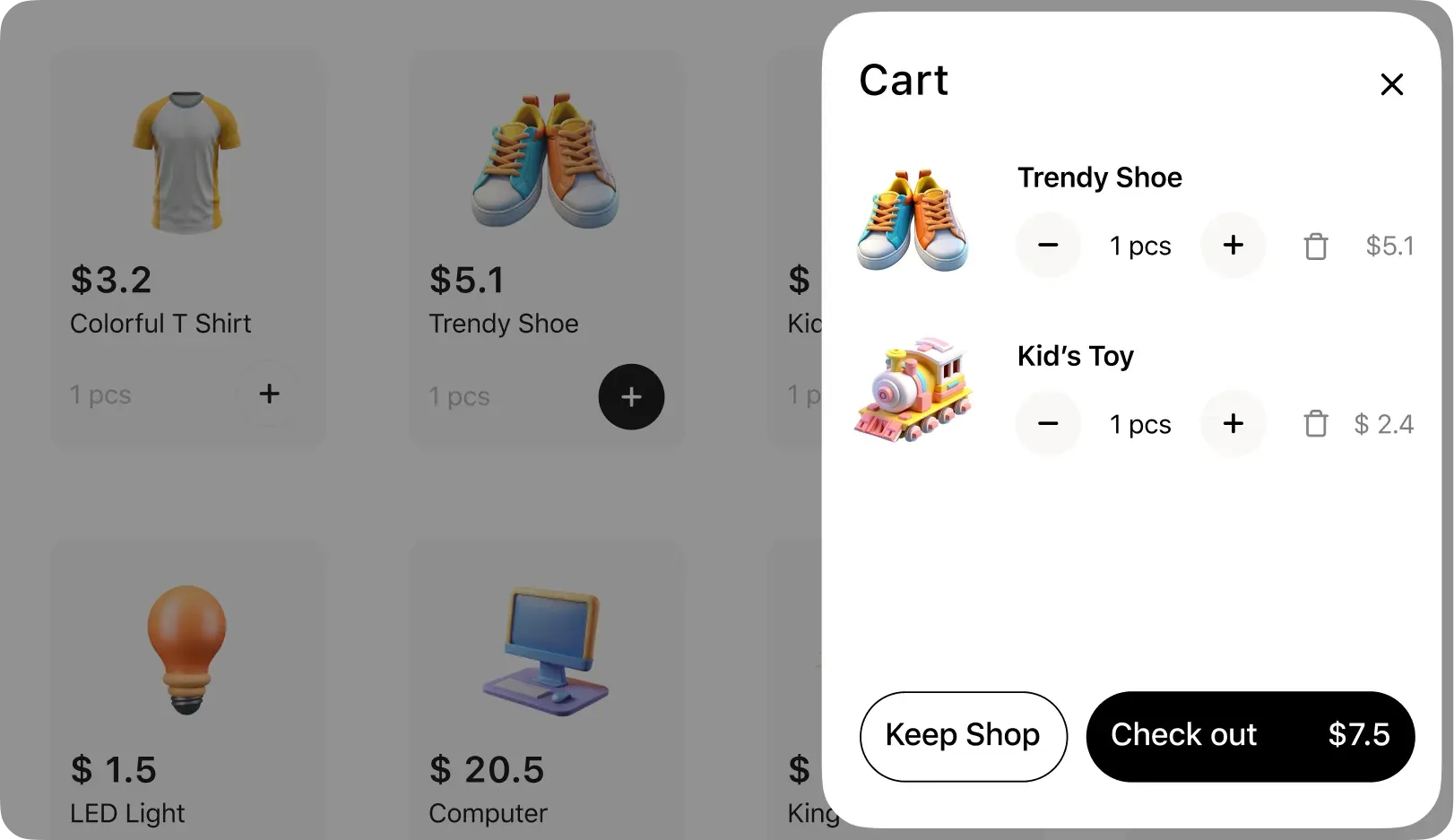
With Fly Cart
Easily manage items and checkout faster with real-time WooCommerce mini carts. With a single click, customers can add or remove items, update their total, and proceed to a fast one-page checkout.
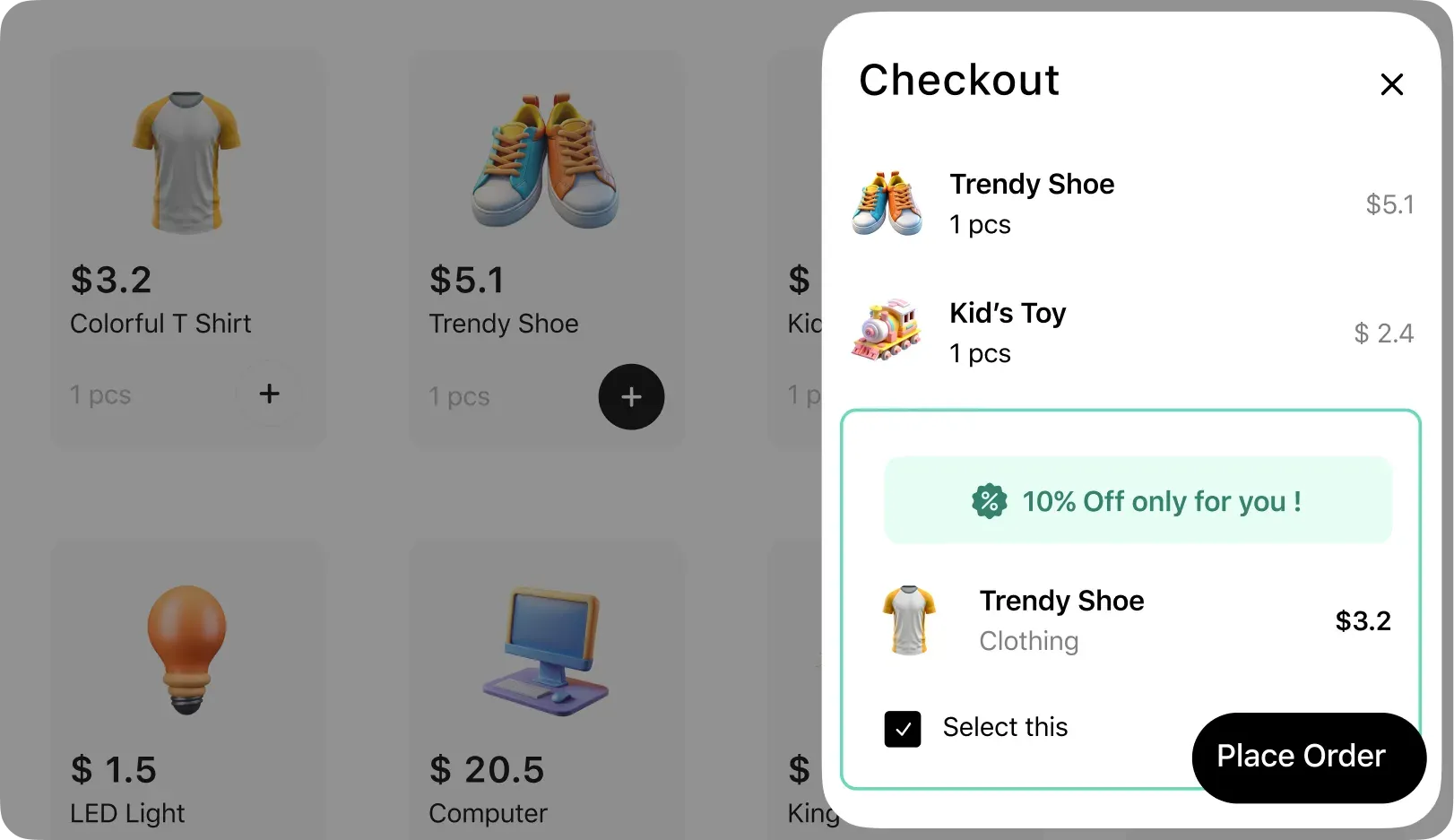
Increase Order Values With Strategic Checkout Upsell Order Bumps
Upsell with one-click during the checkout process to increase order value. Order bump offers will appear at checkout, suggesting complementary products that complement the purchase. It takes just one click to add the upsell item.
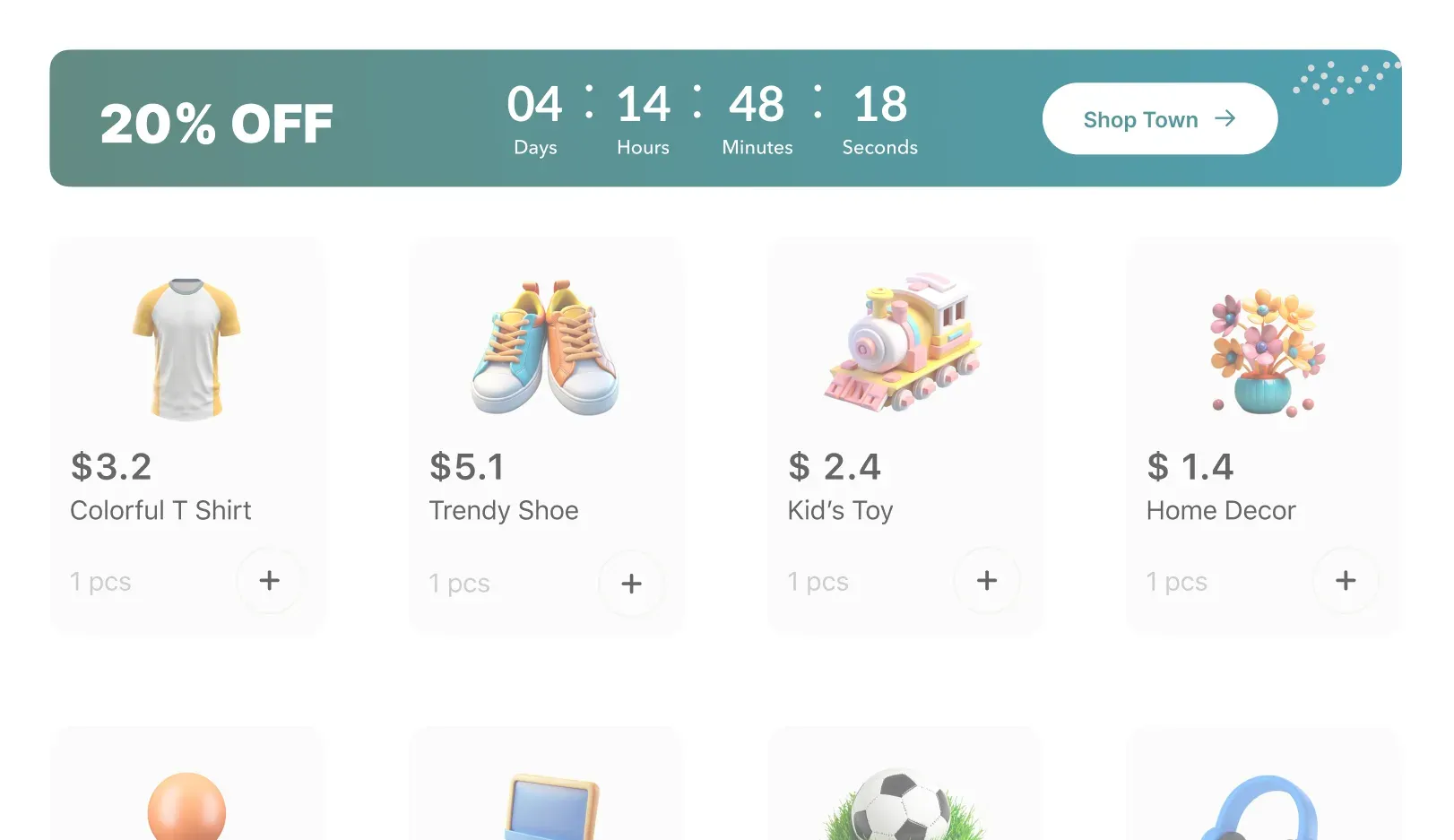
Create Instant FOMO With Strategic Floating Notification Bar
Promote timely deals and discounts to customers with a customizable floating banner. It can sit at the top or bottom of the pages you choose and be styled to suit your brand. Highlighting current discounts and deals prominently can help maximize conversions.
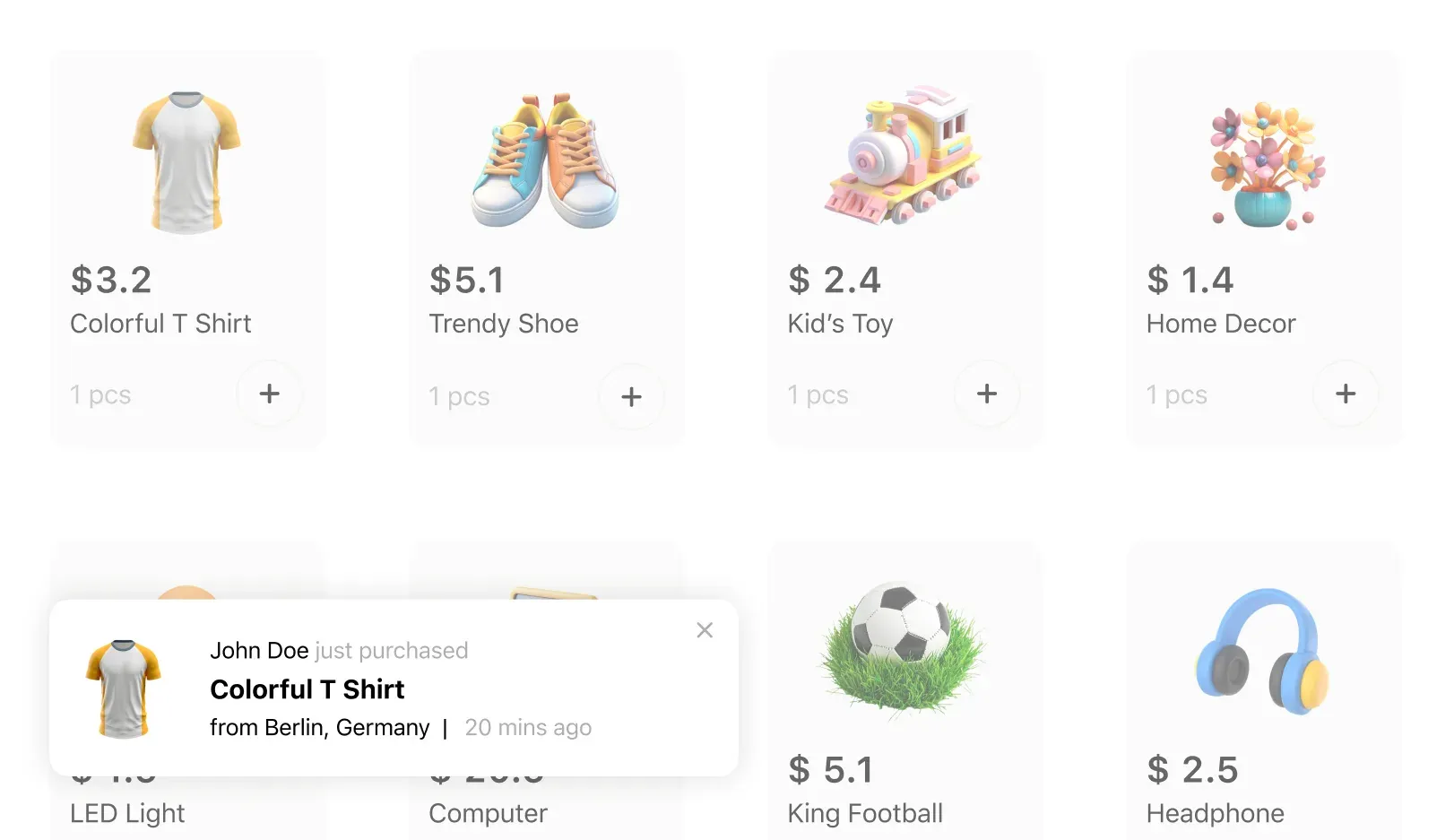
Build Trust With Sales Notification Popups
Show shoppers that your store is busy with small purchase popups about your products. You pick the products, or fill the list from recent orders or best sellers, and the names and locations come from lists you control.
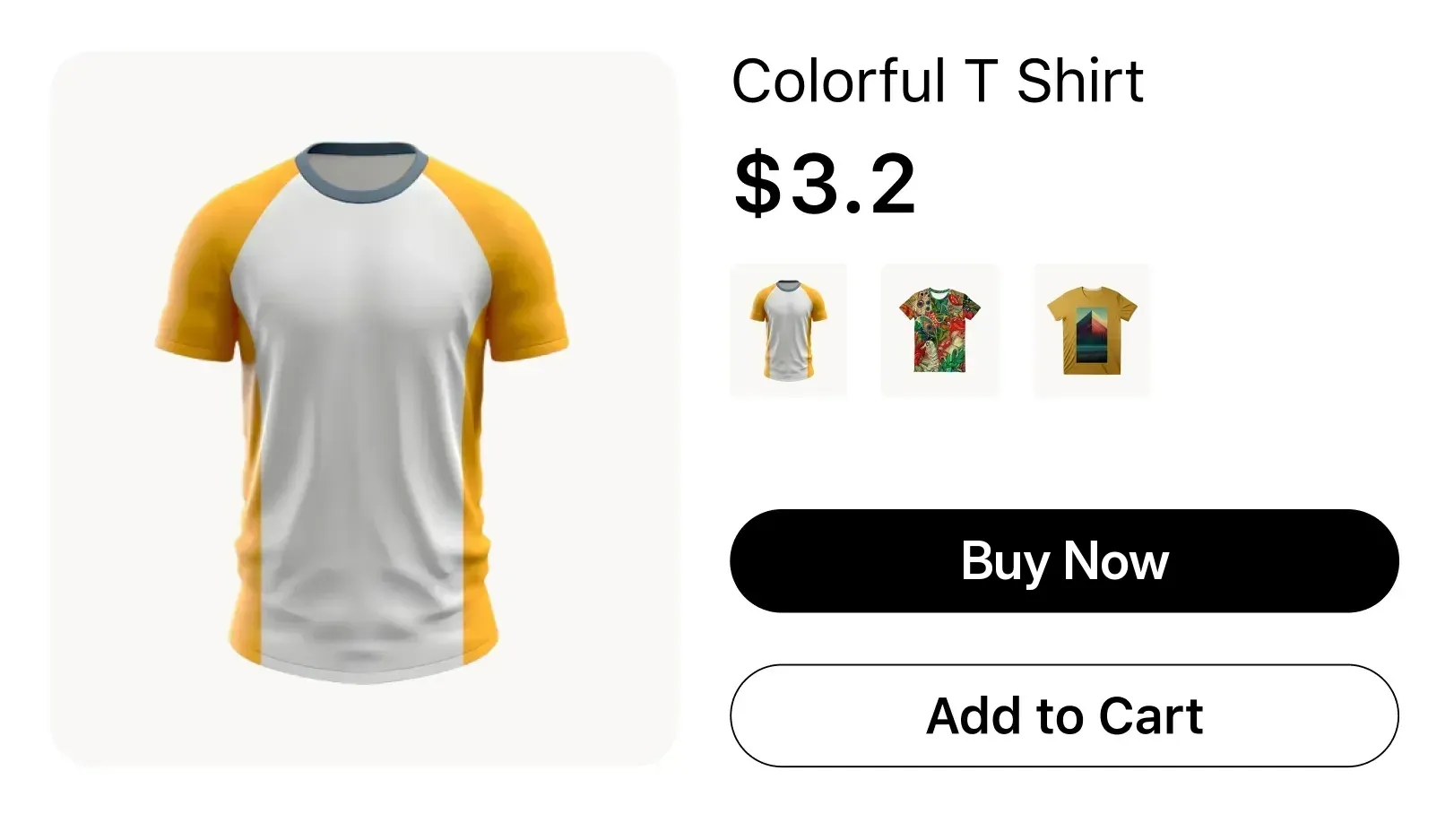
Accelerate Purchases With One-Click Direct Checkout
WooCommerce Direct Checkout adds a one-click “Buy Now” button next to “Add to cart”. Instead of making customers view the cart first, the button sends them straight to checkout.
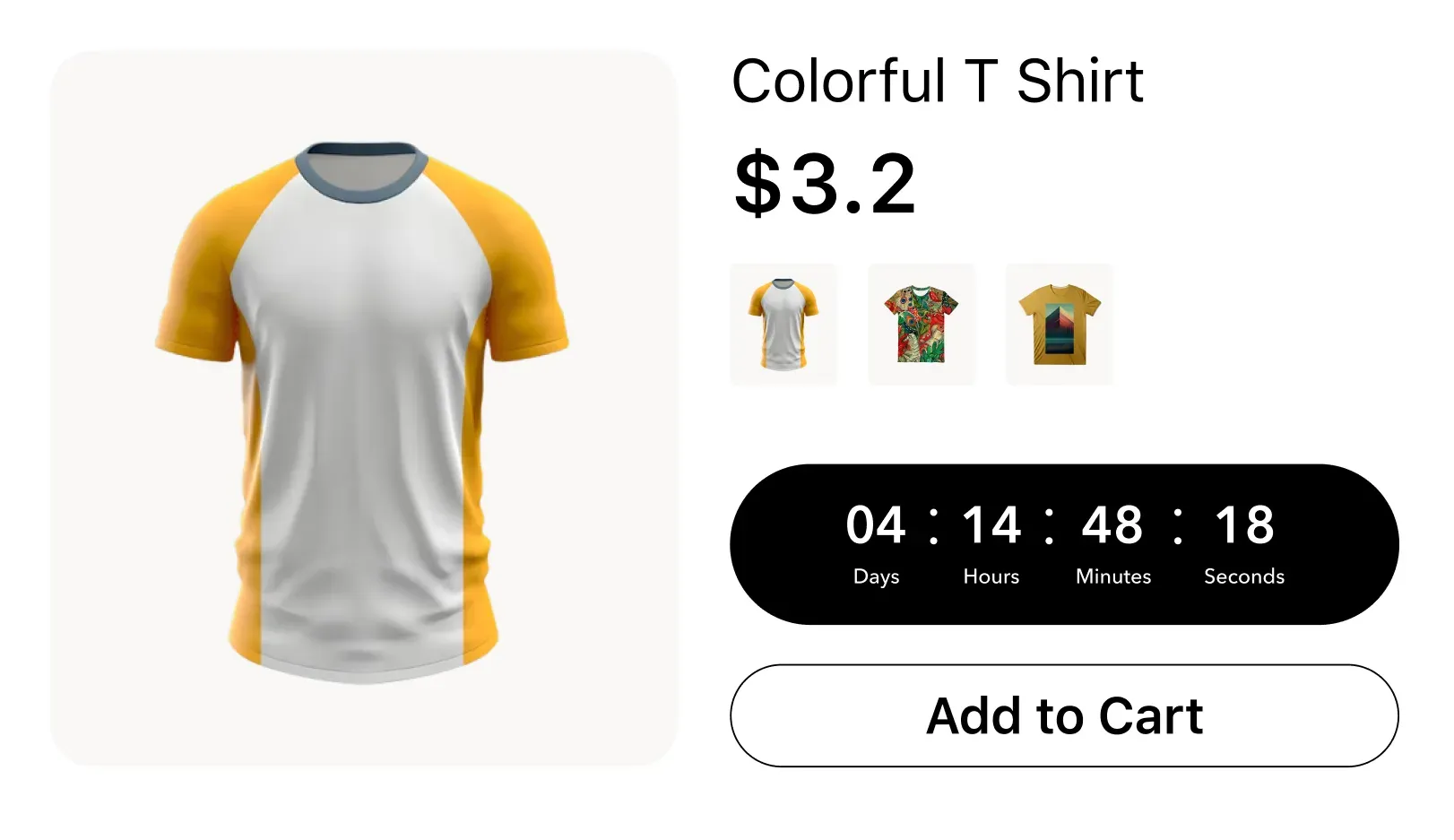
Drive Urgency With Sales Countdown Timers
Create urgency and scarcity in your WooCommerce store by promoting time-sensitive deals. Each product can have its own timer and discount dates, shown on the product page (and in the shop grid with Pro) to highlight flash sales, specials, and other promotions.
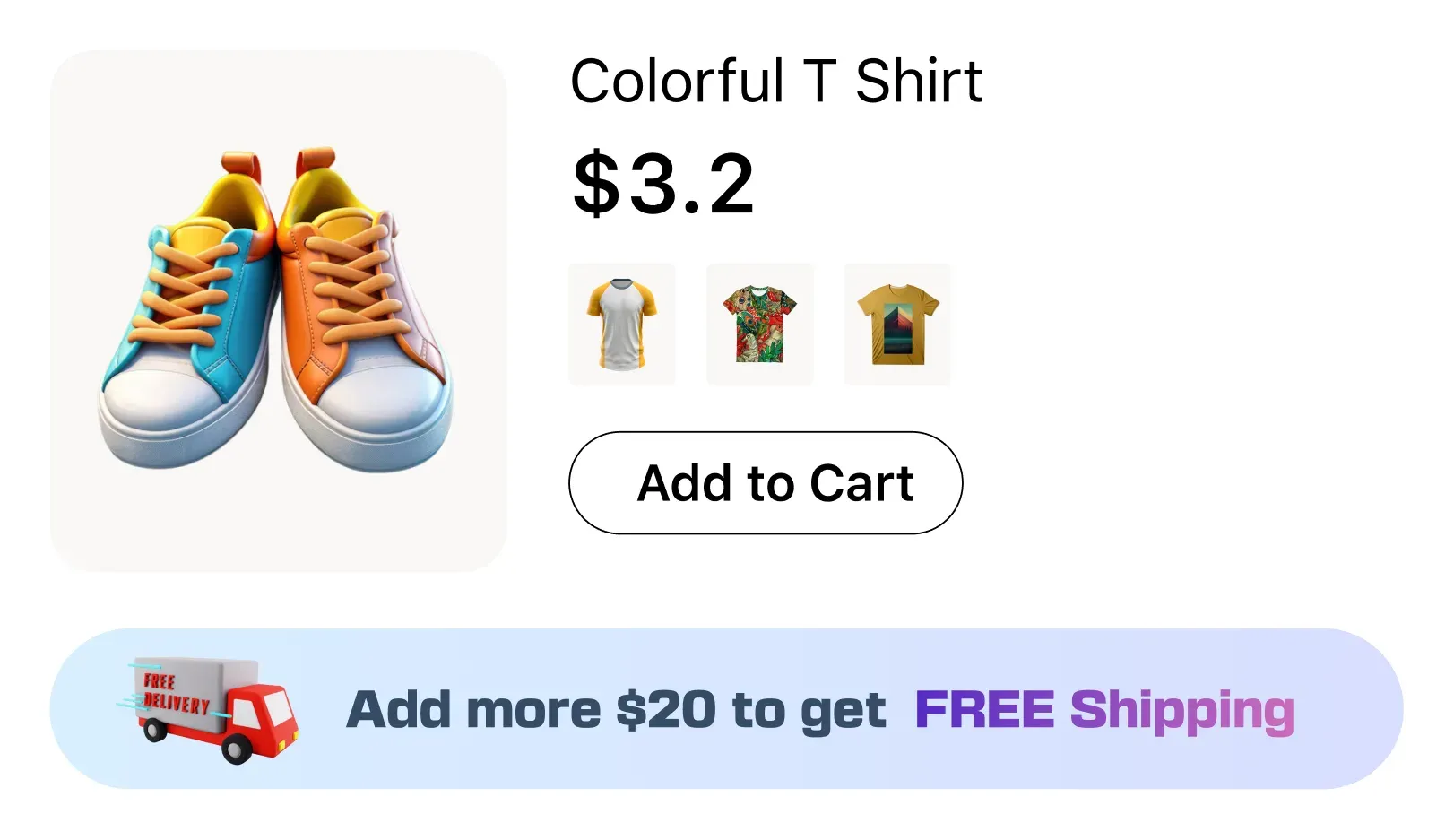
Encourage Bigger Orders With Free Shipping Rules
Increase order values by giving shoppers a goal to reach. Set a cart total and reward customers who reach it with free shipping or a discount. A bar across your store shows how much more they need to spend and updates as their cart changes.
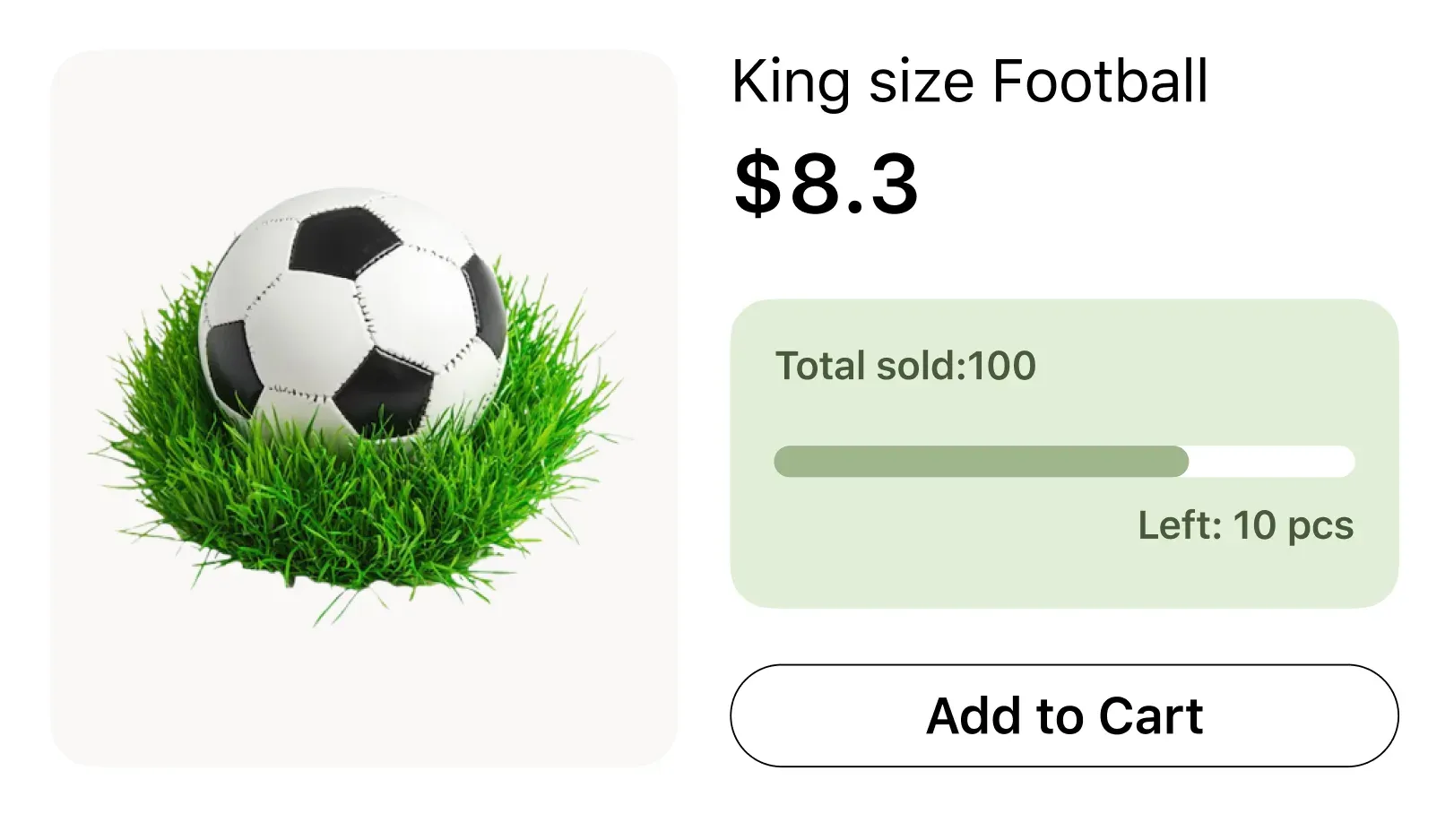
Create Scarcity With Real-time Stock Level Trackers
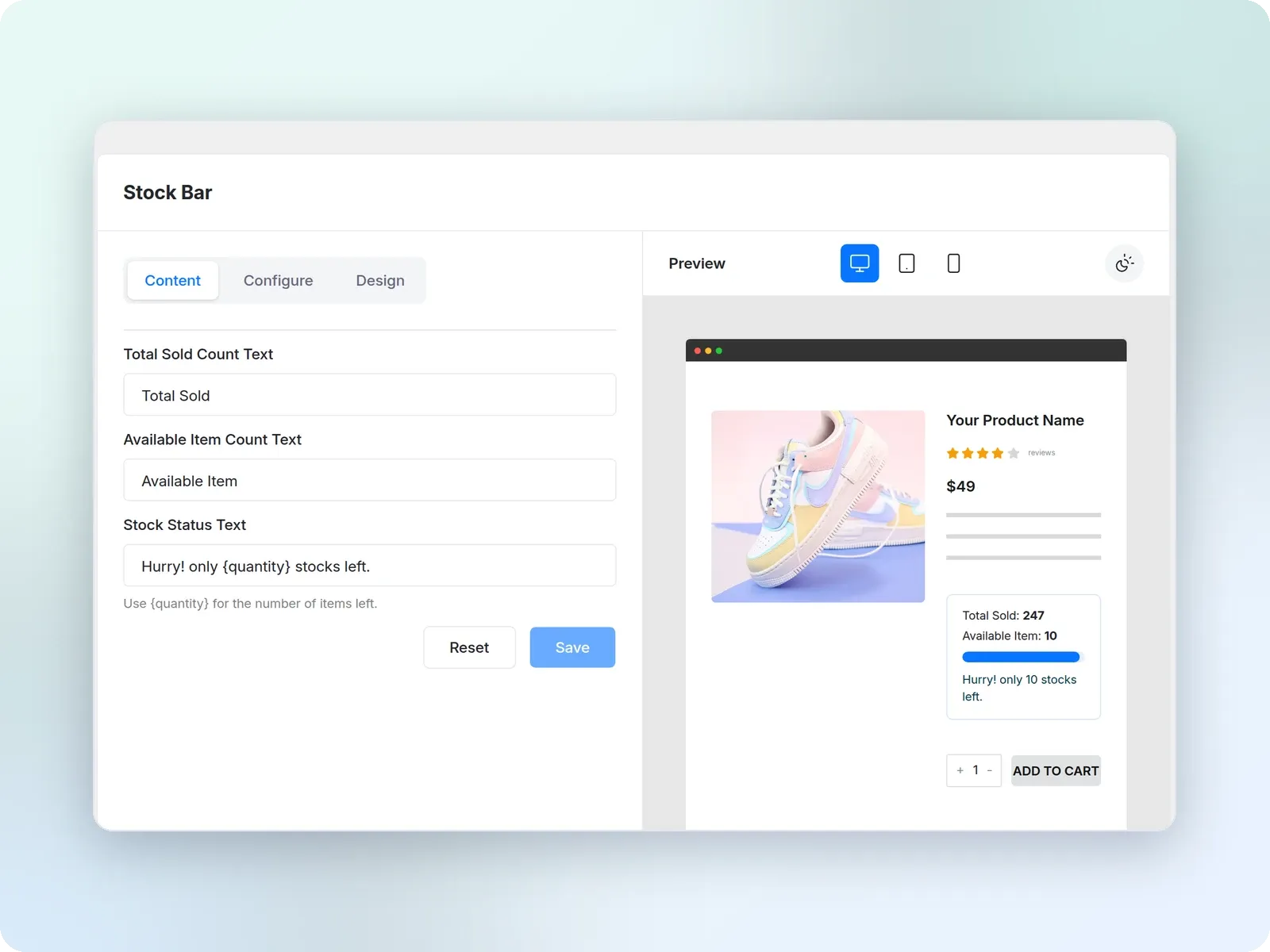
Make the remaining product inventory visible to create urgency. A real-time progress bar shows how low stock levels are on the product page. Reduced inventory motivates customers to buy now before it runs out.
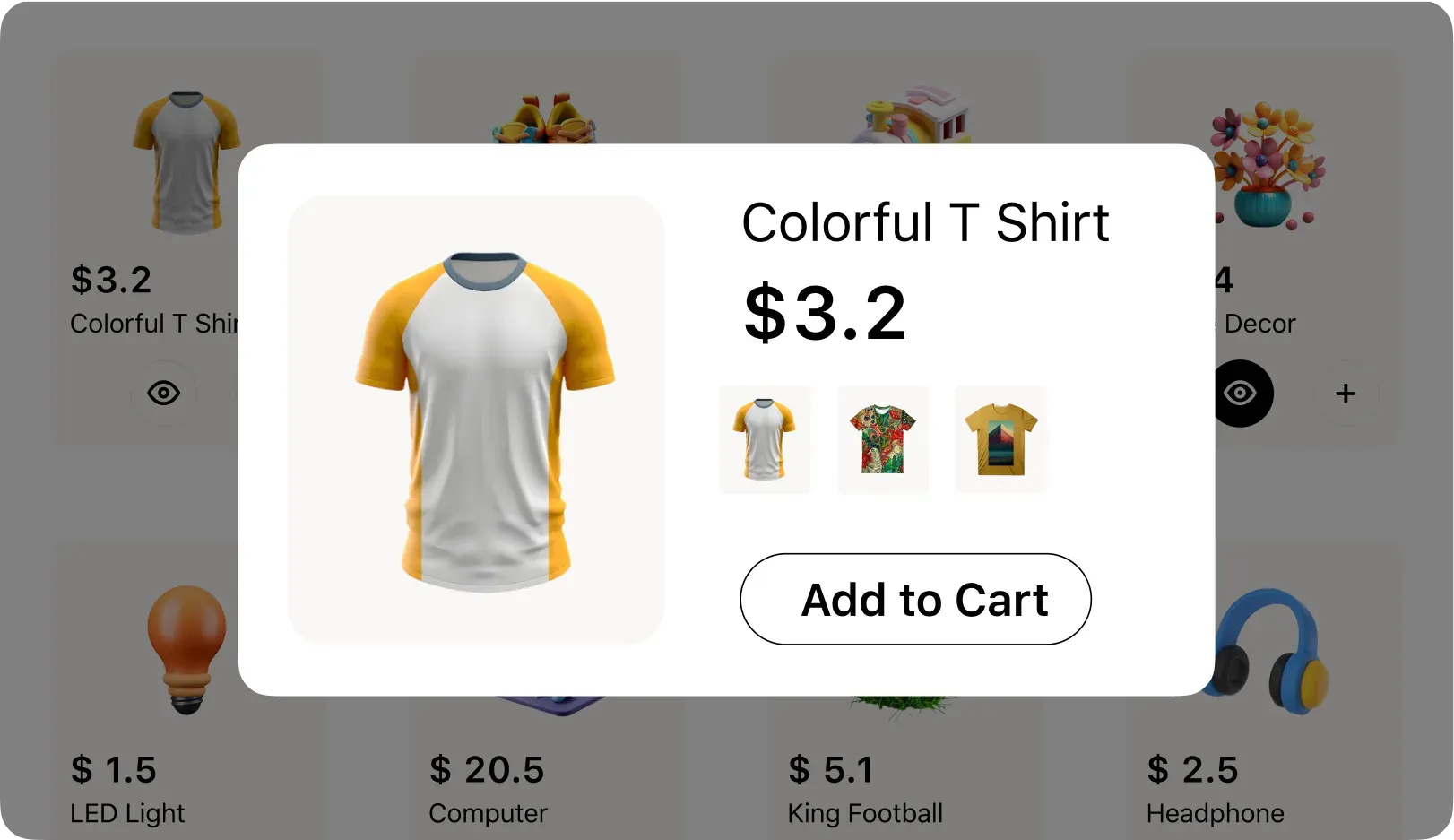
Speed Up Product Discovery With Quick View
Give customers a quick view of products. Through a lightbox popup, customers can see images, descriptions, and pricing for an item. This allows a smooth product discovery experience without interrupting browsing flow. As a result, Quick Views lead to more quick purchases.
Drive Impulse Purchases With Irresistible BOGO Deals
Motivate shoppers with BOGO offers. Featured deals such as Buy X Get Y. Select the offer type, quantities, discounts, and scheduling. Grab your customers’ attention with custom BOGO offer boxes and badges. Customers can now easily add qualifying items to their cart and checkout.
New in StoreGrowth 3.0: See What Your Offers Earn
StoreGrowth 3.0 puts every module in one StoreGrowth menu and shows you what your offers bring in. Updating from an earlier version? Your settings, offers and order bumps carry over.
A Dashboard for Your Offers
Open StoreGrowth and see the revenue and discounts your offers brought in over the last 30 days, with a daily chart of revenue by offer.
Analytics for Every Offer and Campaign
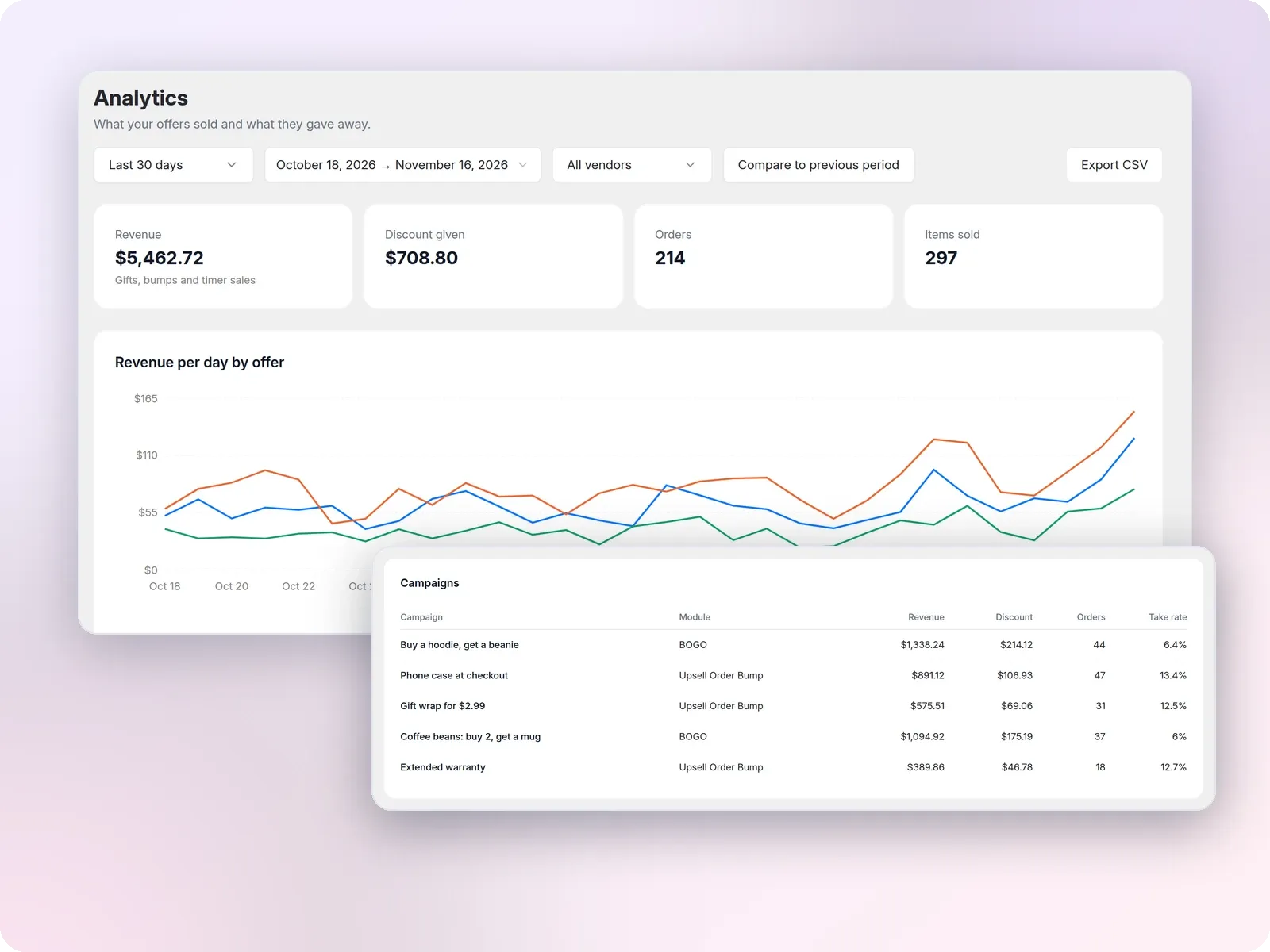
StoreGrowth Pro adds a full Analytics page, so you can see which offers pay off and which need work.
- Revenue, discount given and orders for each module and campaign
- Take rates for order bumps and BOGO deals, and the add-to-cart rate for countdown timers
- Orders that reached your Free Shipping Bar goal
- Any date range, with a comparison to the previous period
- A vendor filter for Dokan marketplaces, and CSV export
Change a Setting, See It Live
Every module has a redesigned settings page with grouped sections. Most modules also show a live preview for desktop, tablet and mobile, with ready-made design templates.
Your offers inside WooCommerce Analytics. A StoreGrowth offer filter and an Offer column on the Orders and Products reports show which orders came from an order bump, BOGO deal or countdown timer, and an offer revenue tile sits on the Overview.
Explore what our users say
about StoreGrowth!
Taken from StoreGrowth’s reviews on WordPress.org, where it’s rated 5.0 out of 5. Read all reviews
Their exceptional service has greatly impressed me and made me consider upgrading to the paid version. I highly recommend this plugin for its effective functionality and excellent customer support.

Shayassayag
I am using StoreGrowth, and it’s a game-changer for my shop. It has essential features like Floating Cart, Direct Checkout, and Live Sales Notifications all in one plugin. This allowed me to deactivate all other similar plugins because StoreGrowth offers all these features combined.

Themenfoo
It has so many modules that I only need a few more other plugins (like loyalty program) which I hope they add in Storegrowth too. The plugin keeps on improving. And happy that I am a user.

Elmapena
Used specifically the Sales Countdown Timer and Free Shipping bar. ... the engagement from potential customers had increased significantly.
Zeon01
FAQ
Check out our frequently asked questions. Feel free to contact us if your question isn’t listed.
What is StoreGrowth?
StoreGrowth is an all-in-one conversion toolkit for WooCommerce. Instead of juggling multiple plugins, you get 10+ proven sales-boosting features in one lightweight solution, helping you sell more, increase order value, and create a seamless shopping experience.
Is there a free version of StoreGrowth?
Yes! You can grab StoreGrowth free from WordPress.org and start with the core of every module: the side cart, Buy Now buttons, BOGO offers, countdown timers, and more. Upgrade to Pro whenever you want advanced design, targeting, and scheduling controls.
What’s new in StoreGrowth 3.0?
StoreGrowth 3.0, released on November 4, 2026, redesigns the admin and shows what your offers earn. Every module now sits under one StoreGrowth menu, and each has a redesigned settings page, most with a live desktop, tablet and mobile preview and design templates. The Dashboard shows the revenue and discount from your offers for the last 30 days. In WooCommerce Analytics you get a StoreGrowth offer filter on the Orders and Products reports, an Offer column on the Orders report and a StoreGrowth offer revenue tile. StoreGrowth Pro adds a full Analytics page with take rates, any date range, a period comparison, a Dokan vendor filter and CSV export. Your existing settings, offers and order bumps carry over when you update.
Does StoreGrowth work with Dokan marketplaces?
Yes. On a Dokan marketplace, vendors can create their own BOGO offers and countdown timer discounts from the vendor dashboard, and the Fly Cart can show each item’s vendor store name. You control what vendors can do from the StoreGrowth settings. With StoreGrowth Pro, the Analytics page can filter results by vendor.
Will StoreGrowth slow down my website?
Nope. StoreGrowth is modular and performance-focused. You only activate the features you need, so there’s zero extra bloat. Your store stays fast, smooth, and optimized for conversions.
Can I customize the design of the modules?
Absolutely. From colors and fonts to placement and messaging, the modules can be tailored to match your store’s branding.
Is StoreGrowth compatible with my theme?
Yes. StoreGrowth works out-of-the-box with all well-coded WordPress/WooCommerce themes. If you face any issues while setting up StoreGrowth, feel free to reach out to our support.
How do I renew my StoreGrowth license?
Renewing is easy. You’ll receive reminders before your license expires, and you can renew directly from your StorePulse account dashboard. Keeping your license active ensures you continue receiving updates, new features, and priority support.
Do you have a demo I can try?
Yes! Request a live demo and you can explore StoreGrowth’s features in action before making a decision. You’ll get a feel for how modules like the Fly Cart, Countdown Timer, and BOGO Deals look and work on a real WooCommerce store.
What payment methods do you accept?
We accept all major credit/debit cards, PayPal, and other secure payment gateways. Your purchase is processed safely, so you can check out with confidence.
Do you have a Refund Policy?
Yes. Full-price purchases can be refunded within 14 days of the purchase date. Purchases made at a discounted price or during a promotional campaign, such as our seasonal sales, are not eligible for a refund. Renewals, auto-renewal payments and upgrades are also non-refundable.
To request a refund, email [email protected] within 14 days of your purchase and include your purchase details. If you’re facing a technical issue, our support team will try to resolve it first. Approved refunds are processed within two business days to your original payment method.
Not sure it’s the right fit? Request a demo before you buy.

Smart Stores Convert Better, Turning Visitors Into Buyers!
Join 2,000+ WooCommerce stores using StoreGrowth to solve their biggest growth challenges. Start free, and upgrade to Pro when you’re ready.