
By Shakhawat Ullah
14 Min Read
Are AI-Generated Product Images Allowed on Google Shopping?
A product image can look perfect and still cause trouble in Google Merchant Center.
The lighting is clean. The background looks expensive. The product looks ready for a campaign. Then Merchant Center flags the image because it breaks a rule that has little to do with how pretty it looks.
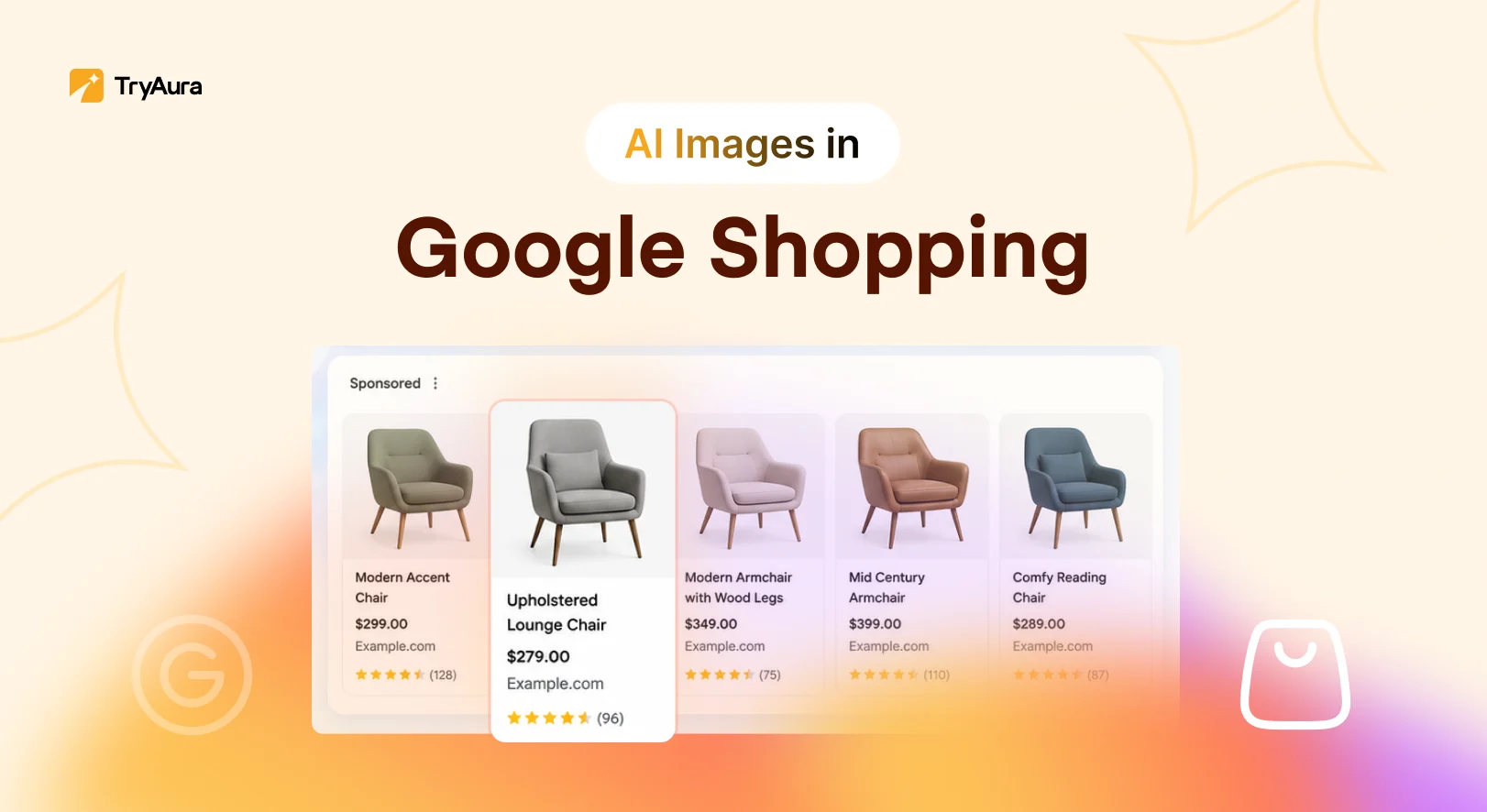
So, can you use AI-generated product images on Google Shopping?
Yes. Google allows AI-generated product images in Merchant Center,including main product images, additional images, and lifestyle images. But generative AI images must keep metadata that identifies their AI origin. They must also follow Google Merchant Center’s product image requirements.
That means AI itself is not the problem – it’s accuracy.
Your image still needs to show the product the shopper will receive. The correct color, material, shape, label, variant, and details all matter.
Google is also using generative AI inside Product Studio, so this is clearly not a ban on AI for eCommerce.
The real challenge is knowing where AI-generated creativity ends and product misrepresentation begins.
This guide explains the 2026 Merchant Center rules and gives you a practical process for using AI-generated product images safely.
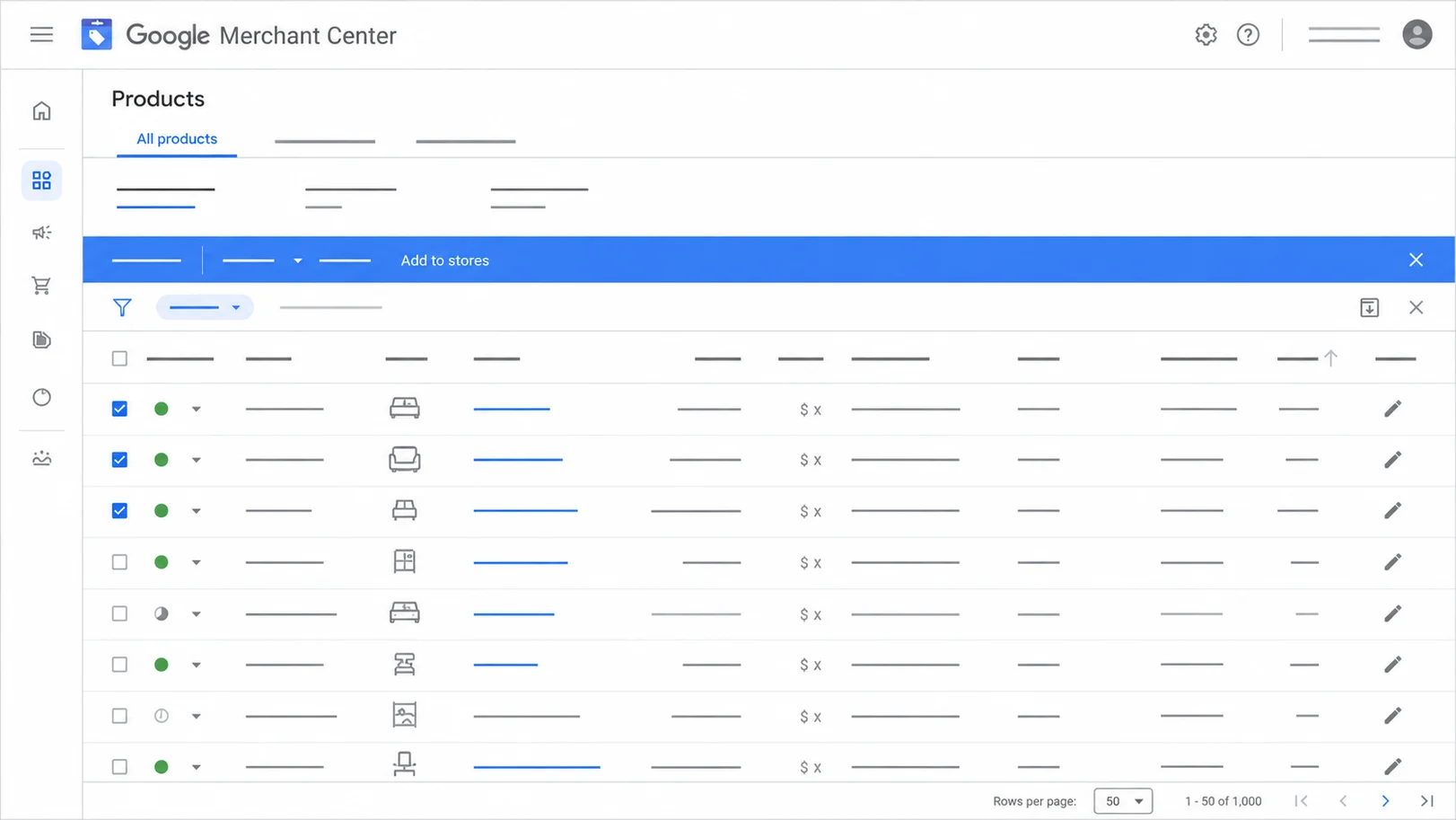
Can You Use AI-Generated Product Images on Google Shopping?
Yes. Google Merchant Center supports AI-generated product images when they meet its image and disclosure rules.
Google says generative AI images can be submitted through the main image_link, additional_image_link, and lifestyle_image_link attributes.
So you can use AI product image generation for more than experimental campaign images. It can become part of your real eCommerce catalog workflow.
The key is that the image must still represent the real product.
What counts as an AI-generated product image?
An AI-generated image does not always mean the whole product was created from a text prompt.
You may start with a real product photo and use AI to change the background. You may place a garment on a model, create a lifestyle scene, remove an unwanted object, or extend the frame.
These are all common ways brands now use AI for eCommerce.
Google’s guidance refers to IPTC Digital Source Type values that can describe synthetic or algorithmically created media.
The important point is simple. If generative AI played a meaningful role in creating the image, treat its origin as part of the asset data.
Does Google require AI-generated images to be labeled?
Google requires AI-generated product images to contain metadata that shows they were created with generative AI.
Its official guidance for AI-generated content in Merchant Center explains which product attributes are covered and says merchants should not remove the embedded information that identifies generative images.
Google has also added an AI label setting inside Merchant Center. Merchants can manage that disclosure from their product assets using Google’s AI content label settings.
These are related, but they are not exactly the same thing. The metadata travels with the file, while the Merchant Center label is a platform setting.
Can AI-generated product images be used as the main image?
Yes. Google explicitly allows AI-generated imagery in the main image_link attribute.
But the main image carries more weight because it is often the first visual shoppers see in Shopping results.
If you generate product photos with AI, your main image should make the product easy to understand. Do not let a dramatic scene hide the item itself.
For many stores, the best setup is a clear main product image followed by more creative AI-generated product images in the additional gallery. This gives you both accuracy and context.
Does Google itself use AI for product images?
Yes. Google’s own Product Studio uses generative AI to help merchants create and edit product imagery.
Google Shopping is not against AI product image generation. Google simply expects merchants to use it responsibly.
The goal is not to make your AI output look so real that nobody notices AI was involved. The goal is to create useful product imagery while keeping the item itself true to life.
That same rule applies whether you use Google’s tools, an AI product photo generator for eCommerce, or a WooCommerce AI image plugin.
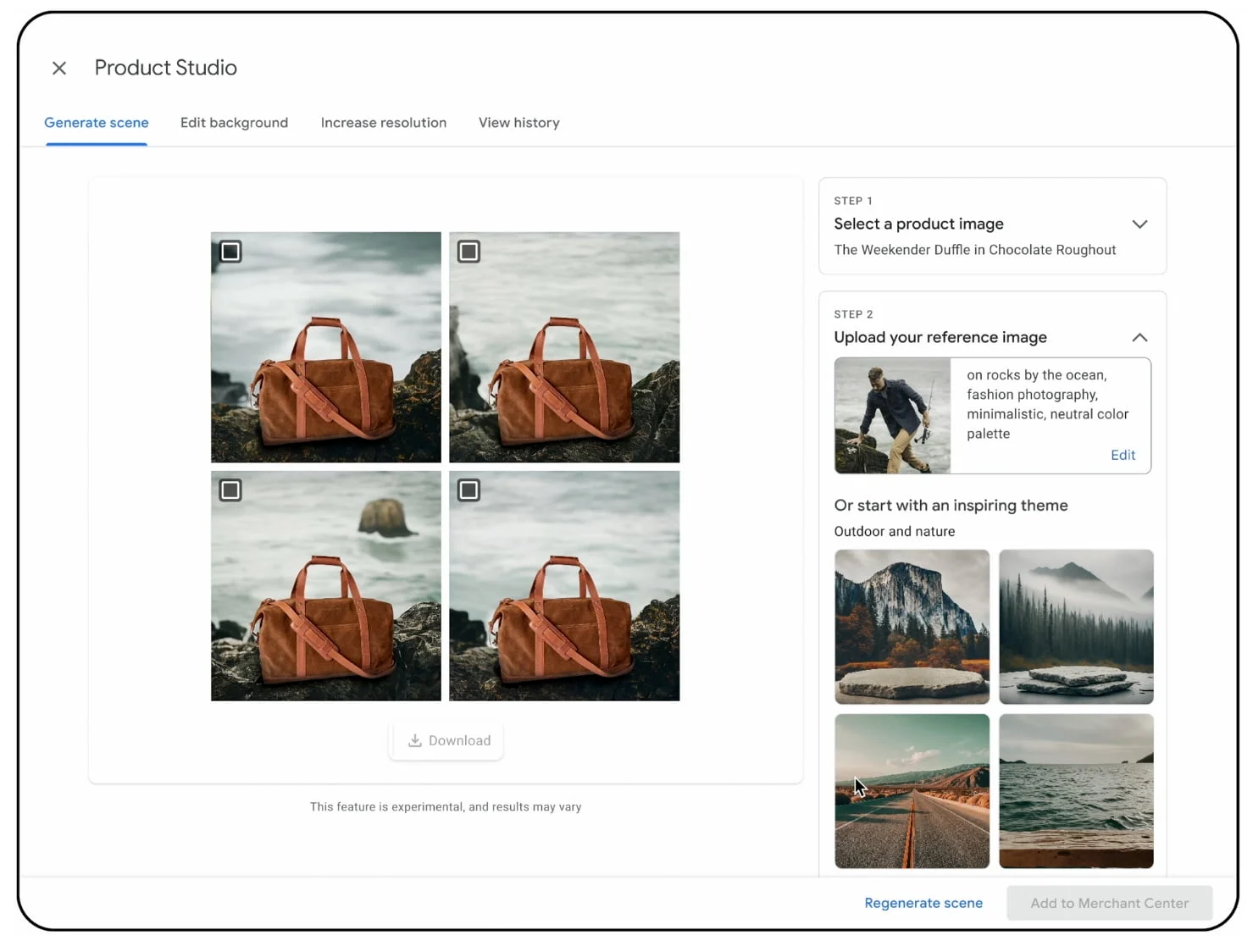
What Google Merchant Center Rules Must AI Product Images Follow?
AI-generated product images must follow Google’s standard image rules as well as its AI metadata requirements. This includes image size, product accuracy, overlays, variants, and image quality.
AI does not create a second rulebook. It adds one more layer to the existing one.
What image size should you use?
Google has announced that all product images will need to be at least 500 by 500 pixels. Google also recommends supplying larger, high-quality images when possible.
You can see the exact dimensions, file-size limits, formatting rules, and upcoming changes in Google’s official [image_link](https://support.google.com/merchants/answer/6324350)specification.
If you are creating AI-generated product images in 2026, there is little reason to build around a lower resolution image.
Higher-resolution source images also tend to give AI product image generation more useful product detail to work with. For most eCommerce stores, that is a win twice over.
How much of the image should the product fill?
The product should remain the star of the image. This sounds obvious until an AI starts inventing its own styles.
You ask for a lifestyle image of a handbag and suddenly the handbag is a tiny prop inside a luxury hotel lobby. It may look great on Instagram. It is less useful as a primary Shopping image.
When you generate product photos with AI, keep the main product large, centered and easy to identify. Use more creative staging in additional and lifestyle images.
That gives shoppers a clear view first and context second.
Good product photography for eCommerce should answer what am I buying before it answers what mood does this brand have.
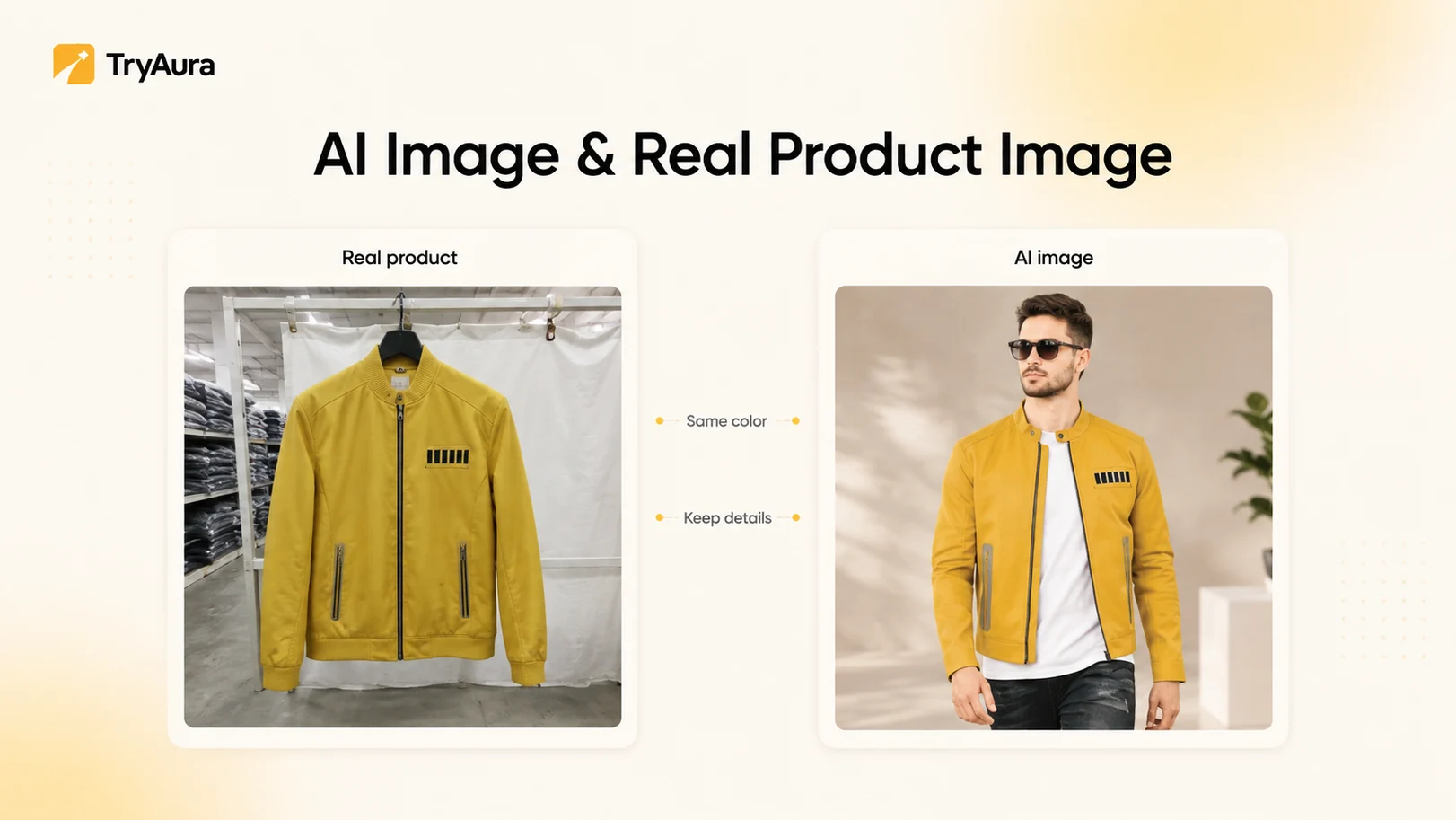
Should the AI image match the real product?
Absolutely, it’s very important for your image to match your real product. Your AI-generated product images should represent the real item as closely as possible.
A model may change a zipper, remove stitching, alter a print, change a shade, smooth out a fabric, or add an extra button. The image can still look very real while showing the wrong product.
This is why product accuracy matters more than visual realism.
The best AI tools for product photography are not just tools that create attractive images. They should help preserve the product you gave them.
If shoppers receive something different from what the image shows, the image has failed its main job.
Can Google Shopping images contain text or promotional graphics?
Be careful with added text. Google’s main product image rules restrict promotional overlays such as prices, delivery messages, calls to action, watermarks, and unrelated logos.
This matters with AI product image generation because AI models can invent text without being asked.
A bottle may gain a fake slogan. A package label may become unreadable. A shirt logo may change shape.
Always check everything before publishing.
Real text printed on the actual product is different. It should stay visible and accurate when it matters to the product.
What you do not want is extra text that exists only because the model had a creative moment.
Can you use lifestyle backgrounds?
Yes. Google has a dedicated [lifestyle_image_link](https://support.google.com/merchants/answer/9103186)attribute for images that show products in a real-world or styled setting.
This is one of the strongest uses of AI for eCommerce.
You can keep your main product image clean, then use additional AI-generated product images to show the item in a kitchen, bedroom, office, outdoor scene, or on a model.
That is far more useful than forcing one image to do everything.
A simple product image answers what it looks like. A lifestyle image answers where it fits.
If your product photography for eCommerce already includes strong catalog shots, AI can help you create the second layer much faster.
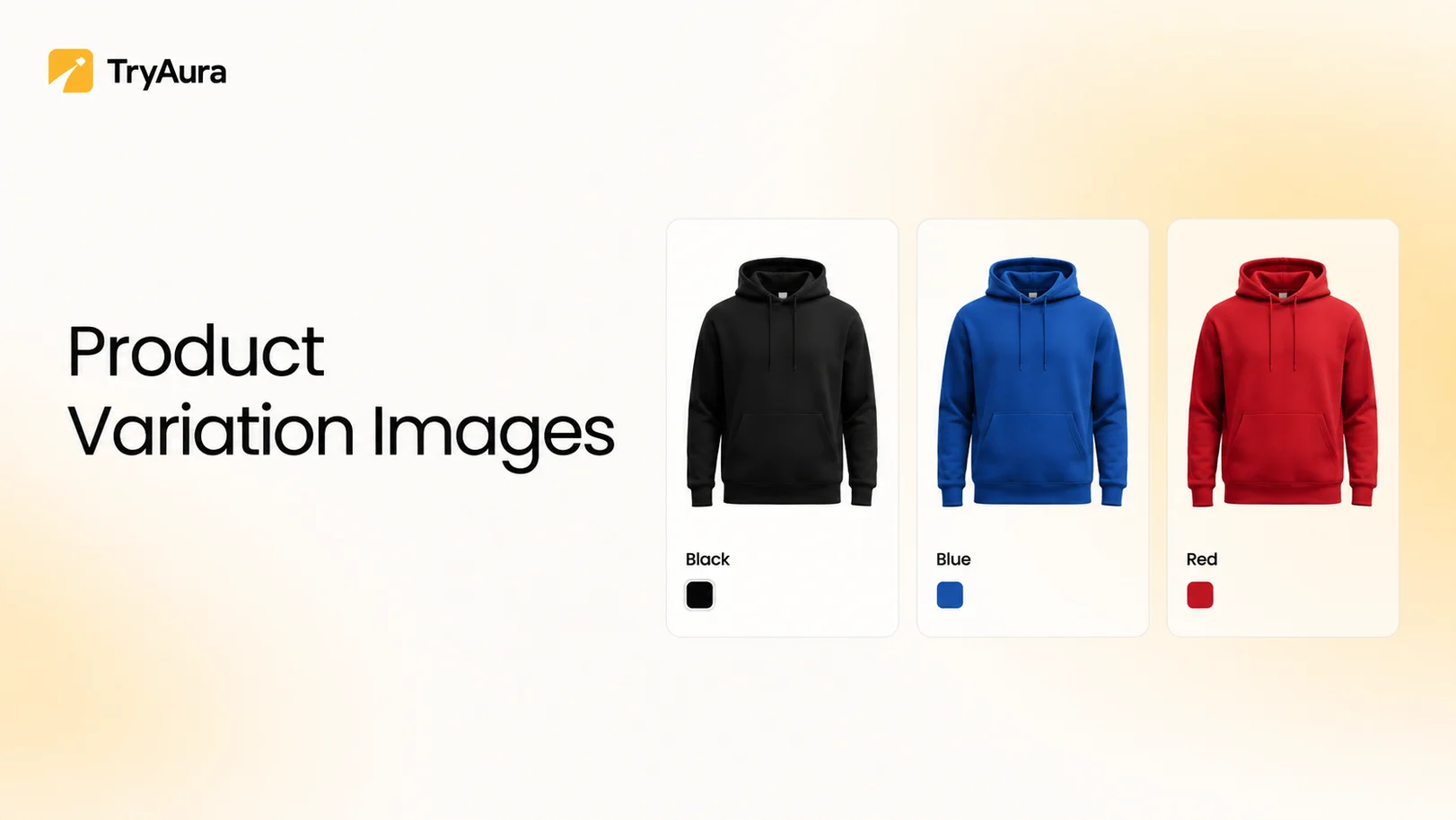
Do different product variants need different images?
Yes, when the visual difference matters. A shopper choosing a green jacket should not see an AI-generated product image of the blue jacket just because that version came out better.
Color, pattern, material, finish, and other visible details should match the variant being advertised. This sounds basic, but it becomes easy to miss when a store generates dozens or hundreds of assets at once. It is also an important part of the best practices for product images in WooCommerce.
Review all the images generated before publishing it live.
How many additional images can you submit?
Google Merchant Center supports additional product images, giving shoppers more ways to inspect an item beyond the main shot. The current product data specification allows up to ten additional images.
This gives eCommerce teams room to build a stronger visual story.
For example, you might use
- One clean hero image
- One side view
- One rear view
- One close-up
- One texture shot
- One scale reference
- One on-model image
- One lifestyle image
Not every image needs to be AI generated.
In many cases, combining traditional product photography for eCommerce with selected AI-generated product images creates a stronger gallery than using only one method.
Use each image type where it does the best job.
How Should eCommerce Stores Prepare AI-Generated Product Images for Google Shopping?
The safest process is to start from a good product reference. Generate the image. Compare it with the real item. Check the final file and its AI metadata. Then publish it to the correct product and variant.
That small review step is where many problems can be caught.
Should you start with real product photos?
Whenever possible, yes. A clear source image gives the model something real to protect.
This is especially important for products with complex materials, small logos, unusual shapes, patterns, printed packaging, or fine details.
If you want to generate product photos with AI, give the tool enough information to understand what must stay unchanged.
Multiple reference angles can help when one image does not show the full design.
That is one reason modern AI product image software is moving toward reference-based workflows rather than pure prompting.
The less the model has to guess, the less product detail it has to invent.
For a deeper workflow, you can read our guide on AI product photography for WooCommerce.
What should you check before approving an AI product image?
Check the product, not just the composition.
Look at the following –
- Shape
- Color
- Material
- Texture
- Stitching
- Buttons
- Zippers
- Printed text
- Logos
- Quantity
- Packaging
- Accessories
- Variant
- Human hands or body parts
- Reflections
This may sound like a long list, but the review itself can take less than a minute.
It is one of the most useful best practices for product images in WooCommerce because small AI errors often hide at normal thumbnail size.
A bag clasp may look fine in the gallery and strange when zoomed in. A lipstick shade may drift just enough to matter.
AI for eCommerce works best when human review focuses on the details that matter most to the buyer.
How should you preserve AI metadata?
This part deserves attention because the image can change after it leaves your generator.
You may download it, resize it, compress it, convert it to WebP, upload it to WordPress, pass it through an image optimizer, and serve it through a CDN.
Google says not to remove the embedded AI provenance metadata from generative images. So check the final file that Google will receive.
Do not check only the original file produced by your AI product photo generator for eCommerce. The full publishing path matters.
This is also why the best AI tools for product photography should be judged as part of a workflow, not just by how nice their first output looks.
Do you need a visible AI watermark?
Not as a general Merchant Center rule for every image. Google requires machine-readable information for generative images and now offers its own AI label setting inside Merchant Center.
Google also notes that using its platform disclosure setting does not by itself guarantee compliance with every local law.
So do not treat Google policy and local law as the same thing.
For most eCommerce teams, the practical approach is to preserve the required metadata, use Google’s available disclosure controls, and check whether markets you advertise in have extra requirements.
Do not add random overlays just to feel safe. Follow the actual rules that apply to your store.
How should you split main, additional, and lifestyle images?
Give each image a job.
A practical product gallery might look like this.
| Image | Job |
|---|---|
| Main image | Show the product clearly |
| Additional image 1 | Show another angle |
| Additional image 2 | Show material or detail |
| Additional image 3 | Show scale |
| Additional image 4 | Show the product in use |
| Additional image 5 | Show packaging |
| Lifestyle image | Show context or setting |
This structure works well because it balances product proof with inspiration. Your clean studio shot does not need to become a beach campaign. Your lifestyle shot does not need to explain every zipper.
AI product image generation becomes much more useful when you use it to fill clear visual gaps.
For ideas on improving weak source images, see our guide on how to improve product photos with AI.
Can WooCommerce stores generate these images inside WordPress?
Yes. WooCommerce merchants can use a WooCommerce AI image plugin to bring parts of the creative workflow closer to the product catalog.
For example, TryAura lets WooCommerce stores create and improve product visuals inside WordPress rather than moving each image through a separate creative dashboard.
TryAura supports product image generation, reference images, different visual settings, and high-resolution image output. Its wider workflow also covers product video and virtual try-on.
You can see how the product works in the TryAura documentation.
Does TryAura automatically make an image Google Shopping compliant?
Do not assume that. TryAura helps WooCommerce merchants create and manage product visuals, but Google Shopping compliance includes rules outside the image generation step.
Your final file may pass through WordPress, an optimization plugin, a CDN, and a product feed before Google receives it. That’s why the finished asset should still be checked for product accuracy and the required AI provenance information.
This advice applies to any AI product photo generator for eCommerce. Use the generator to make the work faster. Use your publishing checklist to make sure the work is correct.
If you also create video content from your product photos, our guide on creating product videos from photos covers that workflow.
What prompt style works best for product accuracy?
Tell the model what it can change and what it must keep. Avoid vague prompts such as make this handbag more premium. Premium may change the leather, hardware, shape, or finish.
A better prompt is more specific.
Change the background to a clean studio scene while keeping the handbag shape, color, texture, stitching, logo, and hardware unchanged.
That instruction gives AI product image software a clearer boundary. Reference images make the boundary even stronger.
When you generate product photos with AI, the goal is not to give the model endless creative freedom.
The goal is to control where that creativity happens.
What is the biggest AI product image mistake?
Confusing realism with accuracy. An AI-generated product image can look completely real while showing a product that does not exist.
That is the danger.
A shoe can gain an extra seam. A dress can gain pockets. A watch face can change. A skincare bottle can end up with slightly different text.
Nothing looks obviously fake. It is still wrong.
This is why the best AI tools for product photography should be tested on difficult products, not only simple demo shots.
Use patterned fabrics. Small labels. Reflective objects. Detailed jewelry. Products with several variants.
A useful tool should preserve those details while improving the scene around them.
That is what good AI for eCommerce looks like.
Conclusion
Google allows AI-generated product images if they meet Merchant Center image rules and keep the required AI provenance metadata.
Google Merchant Center allows them in main, additional, and lifestyle image fields. The important part is that generative images keep the right AI provenance metadata and continue to meet Google’s normal image requirements.
For eCommerce teams, the practical rule is simple.
Use AI to change the scene, expand your creative options, and speed up production. Do not let it quietly change the product.
Start from accurate references. Check small details. Match every image to the right variant. Preserve the metadata that Google expects.
Tools such as TryAura can make AI product image generation much easier for WooCommerce stores, but the final quality check still belongs to the merchant.
AI can make product photography for eCommerce much faster.
It should never make the product less true.
Category:
Tags: